
To change the Appraiser that you have set on your Portfolio:
- Sign into your account and click on Portfolio.
- You will see your Appraiser set on the right hand side.
- Please then click on your Appraisers name in pink.
- This will take you to Your Appraiser page, here you can click to change Appraiser.
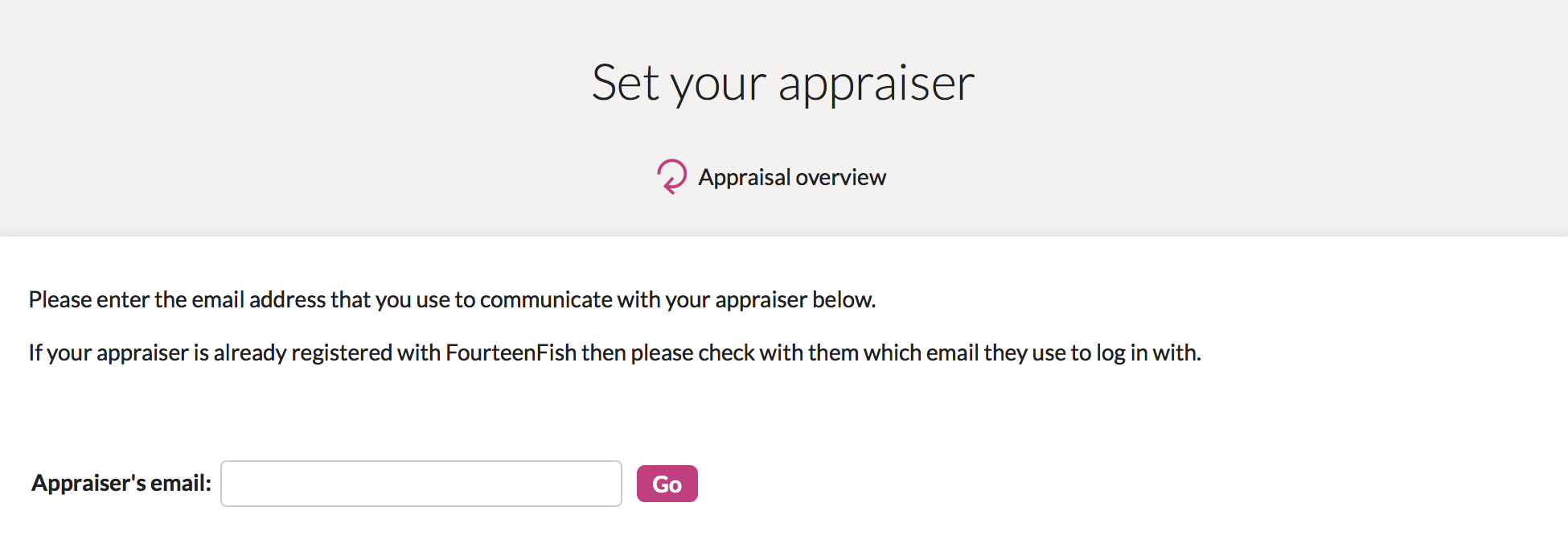
- You can then enter your new Appraisers details here.
Comments
0 comments
Article is closed for comments.