Once you have set up a Community, the next step is to purchase some credits
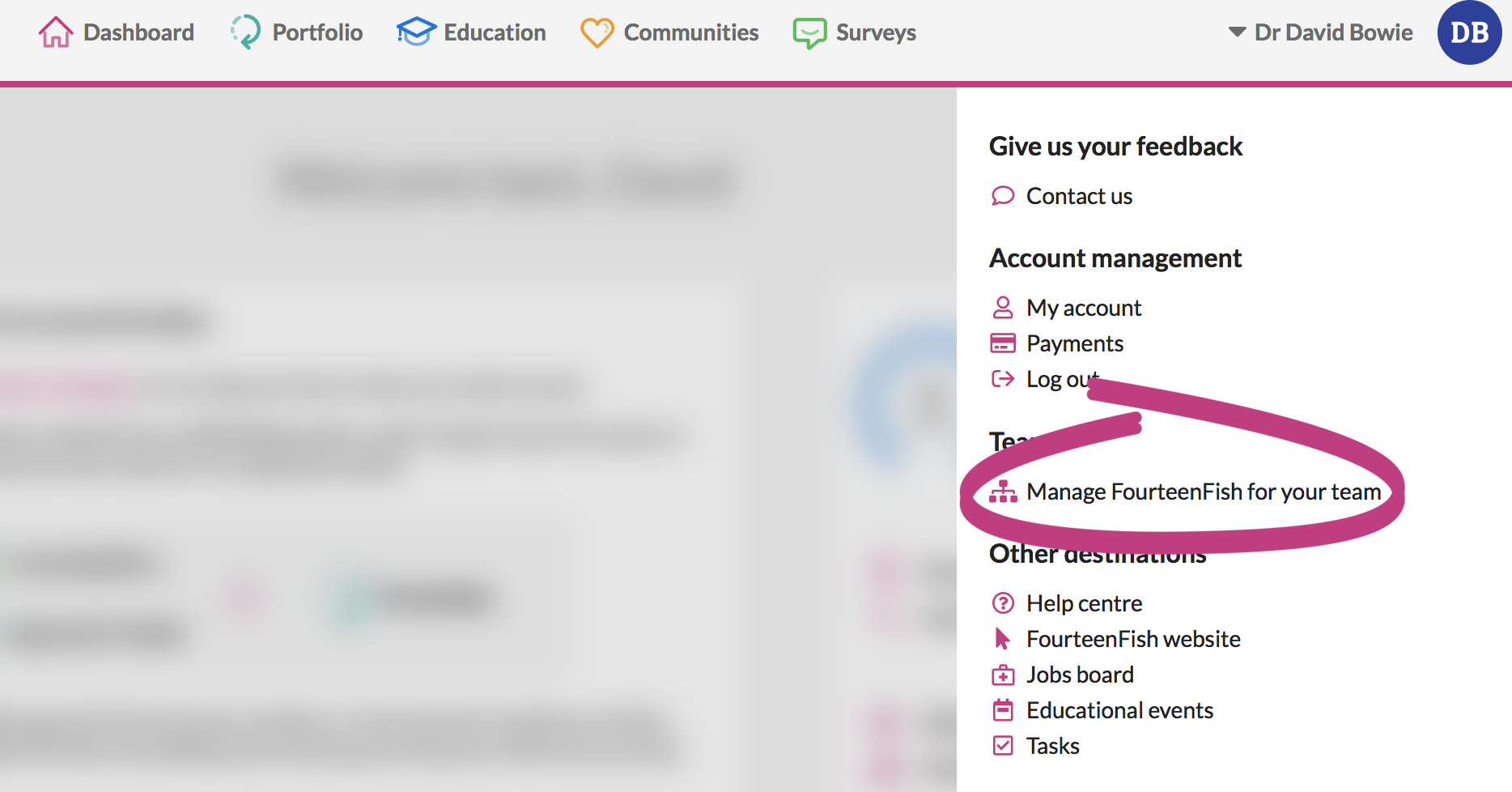
You can do this by clicking on Manage FourteenFish for my Team from the drop down menu next to your name.
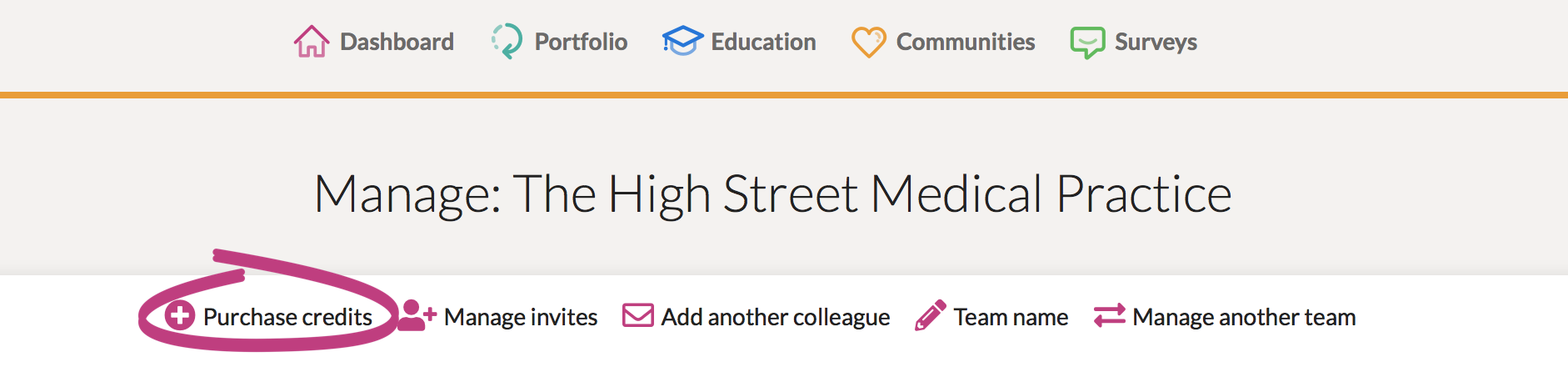
Select the team you wish to purchase credits for and click on purchase credits.
Here you can select the number and type of credits you wish to purchase. The 10% bulk discount for the purchase of 5 credits or more is automatically applied at checkout.

Comments
0 comments
Article is closed for comments.